A bad AI app takes your money. A mediocre one also takes your attention: you have to remember it, open it, feed it context, and defend it at the monthly budget review. A good one quietly removes a piece of work. That is the standard behind this list.
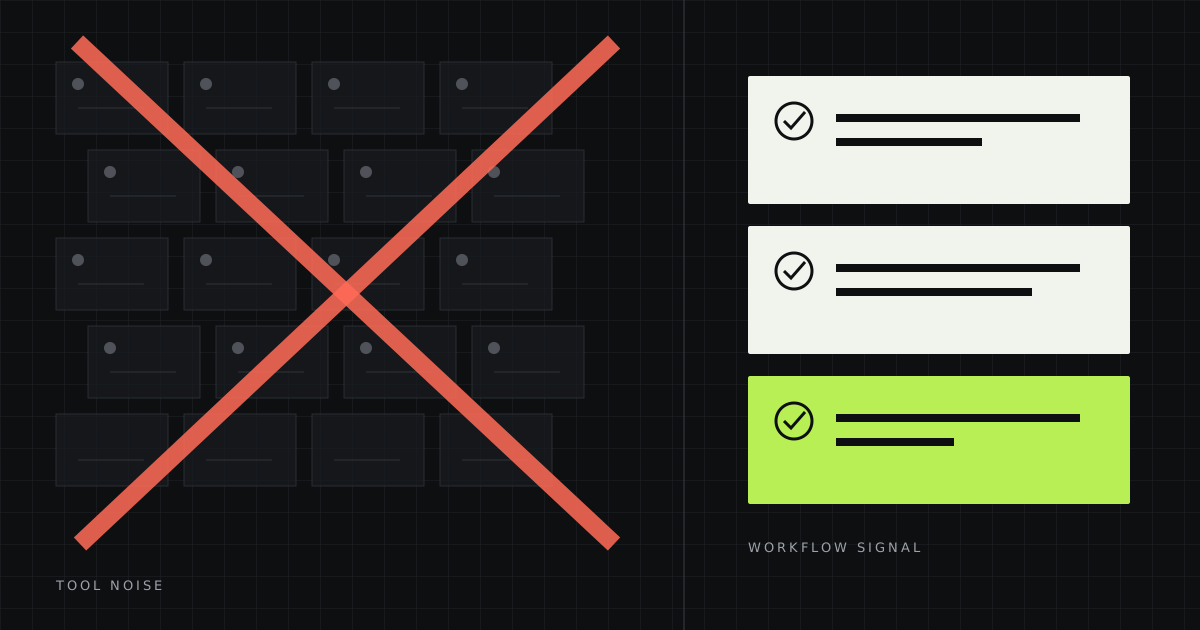
Most “50 best AI tools” lists are as useful as a fifty-page restaurant menu: more options, no easier decision. A small business does not need a separate app for every verb. It needs one capable general assistant, a reliable way to verify current facts, and a few specialist tools only where work repeats every week.
This is an independent editorial selection with no affiliate links. We judged task frequency, output quality, review time, switching cost, and data risk—not the most theatrical demo. Prices and terms were checked on August 16, 2026; local currency, tax, and plan availability may differ.
The shortlist: one tool for each job
Our unpopular advice: do not buy this list. Start with one general assistant. Add another tool only when you can name the task, owner, frequency, and minutes it consumes every week.
Before you buy anything
For five working days, note every moment somebody spends more than ten minutes looking for information, rewrites the same kind of email, transfers data between systems, re-explains a decision, turns a meeting into tasks, or waits for a designer to make a routine adjustment.
That is your opportunity list. “We need AI” cannot be tested. “Every Thursday, Nina spends 90 minutes merging three reports” can. A concrete sentence gives you a baseline, a workflow, and a cancellation criterion.
A subscription earns its place not when the result is impressive, but when the team notices that work became slower after it disappeared.
1–2. ChatGPT or Claude: choose one general assistant
ChatGPT is the easiest general recommendation for a small team that wants writing, file analysis, research, spreadsheets, ideation, and coding help in one place. ChatGPT Business is $20 per user per month billed annually or $25 monthly, with a two-seat minimum. Business data is not used for model training by default.
Claude is particularly good company for long documents, careful editing, and writing where nuance and restraint matter. Claude Team, however, requires at least five seats: $25 per user per month annually or $30 monthly. That is a meaningful entry cost for a two-person company.
Pay for: higher limits, projects, administration, shared context, and business data terms. Stay free when: you open a chatbot twice a week for short emails.
A real workflow: after a sales call, provide the notes, prior proposal, and pricing rules. Ask for a follow-up, a separate list of assumptions, and a highlight on every claim that needs verification. A person approves the facts and promises before sending.
Do not give everybody both tools “for comparison.” Let two people run the same ten tasks in both for two weeks. Standardize the winner. Keep the second only for roles that demonstrate a different, repeatable advantage.
3. Perplexity: when an answer must be current, not merely confident
A general chatbot is useful for thinking. Perplexity is more convenient when you need a current picture from the web: competitor prices, changed regulations, research papers, suppliers, or a market map. The useful feature is not magical accuracy; it is a visible source trail that a person can inspect.
Ask for a claims table with direct sources, publication date, event date, and uncertainty—not simply “an answer.” Then open the primary sources behind the three conclusions that would change your decision.
Pay when: serious research happens several times a week or the team needs shared file search. Enterprise Pro is $40 per seat monthly or $400 annually. Skip when: research is occasional; the free tier and normal search are enough. A citation is an invitation to verify, not a truth seal.
4. Gemini Notebook: a strong starting point for your own sources
Gemini Notebook, formerly NotebookLM, answers from material you provide: PDFs, Google Docs and Slides, web pages, text, audio, and public YouTube videos. It links answers back to the source and can compare documents. For many businesses, that is more useful than a second general chatbot.
Create three notebooks: Sales with specifications, case studies, and discount rules; Operations with procedures, policies, and onboarding; and Market with interviews and research rather than a pile of random web pages.
Google says Gemini Notebook is included with every Workspace subscription and uploaded sources are not used to train its models. Access rights, contractual restrictions, and internal data classification still apply.
5. Granola: meetings whose decisions do not evaporate
Granola works like an AI notepad: it transcribes a conversation, combines it with your short notes, and produces a structured record. Its best use is a custom template: decision / owner / deadline / open question / promise made to the customer.
The Business plan is $14 per user per month and includes unlimited meeting history and integrations. Basic is enough to test the habit. It tends to earn its keep around 8–10 substantive calls a week and recurring “I thought you owned that.” It does not help much when a disciplined team already records decisions.
Tell participants when transcription is running and check local law and contracts. Recruiting, medical, legal, and sensitive client calls deserve an explicit policy—not a quietly enabled app.
6. Canva: not an “AI designer,” but a system for routine assets
Canva is valuable not because it can generate another glossy image. It is valuable when a designer establishes a sound system and a team can safely produce forty adaptations: LinkedIn formats, covers, short decks, product cards, and localized variants.
Canva Pro is $144 a year for one person. Business is $250 a year per person and adds team administration, more brand kits, approvals, and higher AI allowances. Start with Free or Pro. Business makes sense when multiple authors genuinely need brand control.
Quality rule: use AI for background removal, resizing, rough composition, and options. Keep the key photography, typography, art direction, and final selection human. “Generate something beautiful” at scale is how brands end up looking the same.
7. Make: when the task is understood and repeatable
Make connects apps into a visible workflow. New form → validate required fields → create CRM record → assign owner → draft a tailored reply. AI is useful at one ambiguous step, such as classifying the request. The rest should remain deterministic.
Free includes 1,000 credits a month. Core starts at $9 a month for 10,000 credits; Pro at $16. A poorly designed scenario can burn dozens of operations per record, so measure the cost of one successfully completed process—not the number of automations.
Do not start with an autonomous agent. Automate the stable happy path, add an error log and a human exception queue, then consider AI for the ambiguous step. A process that changes every week is not ready to be automated.
8. Notion AI: only when the knowledge already lives in Notion
Notion AI can search a workspace and connected sources, prepare reports, edit pages, and create databases. That is powerful when projects, decisions, tasks, and documentation already live there. When pages are stale and ownership is unclear, AI merely retrieves old misinformation faster.
Full Notion AI is included in Business and Enterprise; Free and Plus get limited trial responses. Since August 2026, some AI features also have usage allowances and optional credits. Do not adopt Notion for Notion AI. Add AI when Notion is already an operating system the team values.
Three sensible budgets
| Stack | What is included | Guide | Good for |
|---|---|---|---|
| Near-zero | Free general assistant + Perplexity Free + Gemini Notebook + Make Free | $0 | A solo operator still finding repeatable use cases |
| Practical solo | One paid general assistant + Canva Pro; free tiers elsewhere | About $32/mo | A consultant, marketer, or small ecommerce owner |
| Five-person team | ChatGPT Business for 5 + Granola for 3 + Canva for 1 + Make Core | About $163/mo | Regular sales calls, content, and operational handoffs |
These are examples, not bundles. Tax, regional prices, and overages are excluded. Assign licenses by role: somebody who does not take customer calls does not need a meeting assistant; somebody who never produces assets does not need Canva Business.
The 30-day keep-or-cancel test
Record the minutes per task, frequency, review time, and rework before you start. Then calculate:
monthly value = (hours saved × real hourly cost)
                − subscription − review time − process upkeep
Cancel when usage depends on one enthusiast, context must be re-entered every time, review takes longer than doing the task, or nobody would notice if the service vanished.
What not to hand to an AI app without a separate decision
- passwords, API keys, recovery codes, or complete payment credentials;
- medical, legal, HR, or financial data without verified terms and authority;
- identifiable client conversations in personal free accounts;
- final hiring, credit, dismissal, or other high-impact decisions;
- automatic external messages without preview, limits, and a log;
- the only copy of an important document or piece of knowledge.
For every service, record the owner, permitted data, login method, retention, offboarding procedure, and review date. “It is a famous vendor” is not a data policy.
Frequently asked questions
What is the best AI tool for a small business?
For most teams, the best first tool is one capable general assistant: ChatGPT or Claude. Choose with your real tasks, team size, limits, and data rules—not a generic benchmark.
Which AI tools are worth using for free?
Perplexity Free, Gemini Notebook, a free general assistant, and Make Free form a capable zero-budget starting stack.
How much should a small business spend on AI apps?
A solo operator often needs only $20–$40 a month. Teams should assign role-based licenses after a 30-day workflow test rather than buying a suite for everyone.
Is it safe to upload business data to AI tools?
It depends on the plan, settings, contract, and data class. Business plans often offer stronger terms, but you still need permitted-data rules, access control, and retention decisions.
How do I know whether an AI subscription pays for itself?
Measure time and quality first, repeat one task at least ten times, and include review effort. If there is no measurable change or lasting habit after 30 days, cancel.
Sources and verification date
Features, prices, and terms were checked on August 16, 2026 using official pages from OpenAI, Anthropic, Perplexity, Google Workspace, Granola, Canva, Make, and Notion. Confirm local pricing before purchase.
Read next: a 90-day system for training a team on AI and an honest way to calculate automation ROI.